Getting your history into a portfolio used to mean typing it in, one trade at a time. Now you can hand it over.
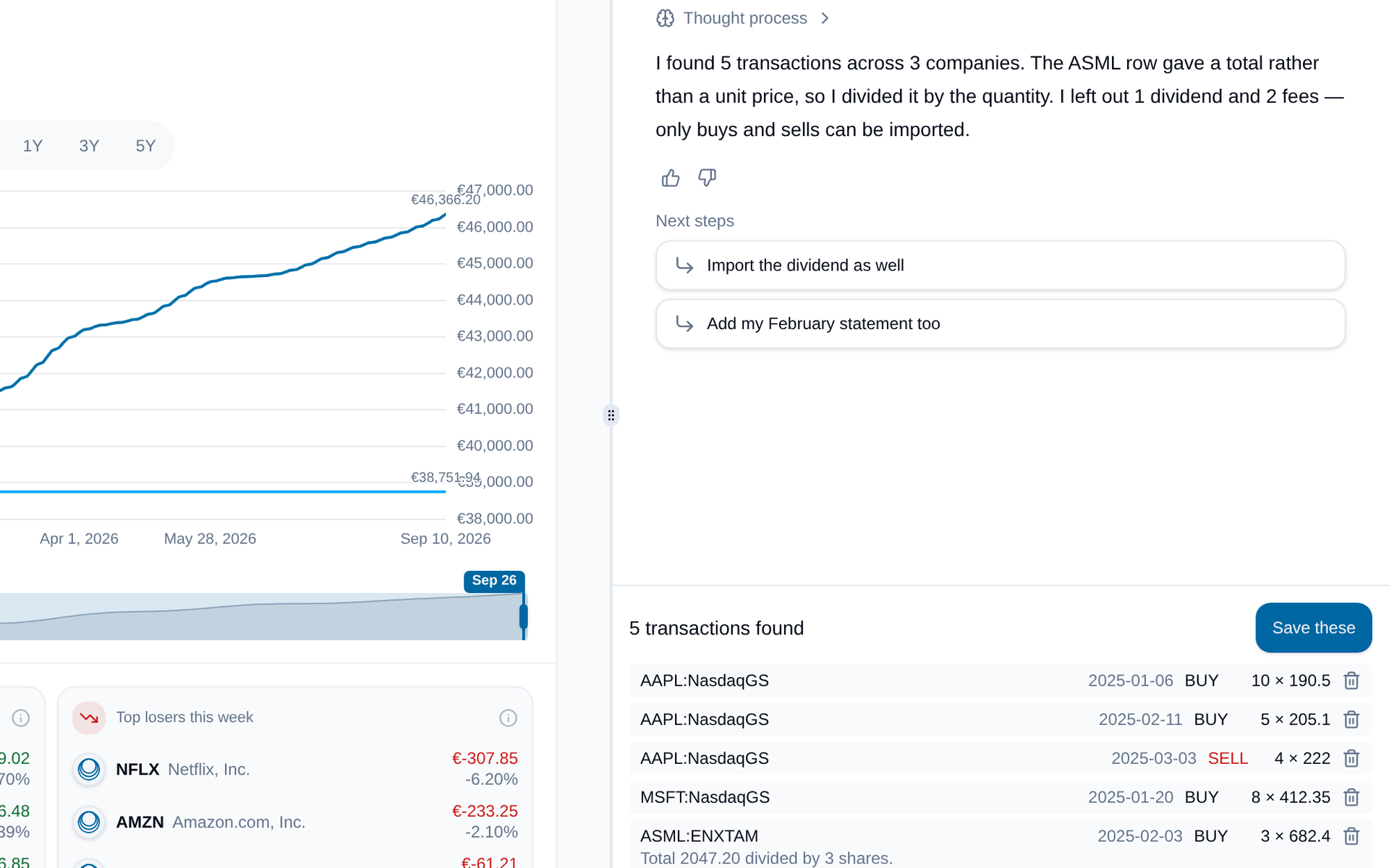
In any portfolio you own, open Add Transaction and pick Import it with AI. Attach whatever your broker gave you: a PDF statement, a CSV export, a screenshot, or just paste the figures. The assistant reads the trades out and lists them under the chat, each with its date, side, shares and price, so you can check them before anything touches your portfolio.
It tells you what it did and what it left out. If a row gave a total instead of a unit price, it says it divided by the quantity. If there were dividends or fees it could not import, it says so. When something is ambiguous, like a company listed on several exchanges, it asks you rather than guessing.
Fix anything by just saying so, remove a row you don't want, then press Save these. Nothing is written until you do.
Open to every portfolio owner. Each plan comes with a number of assistant messages a week.