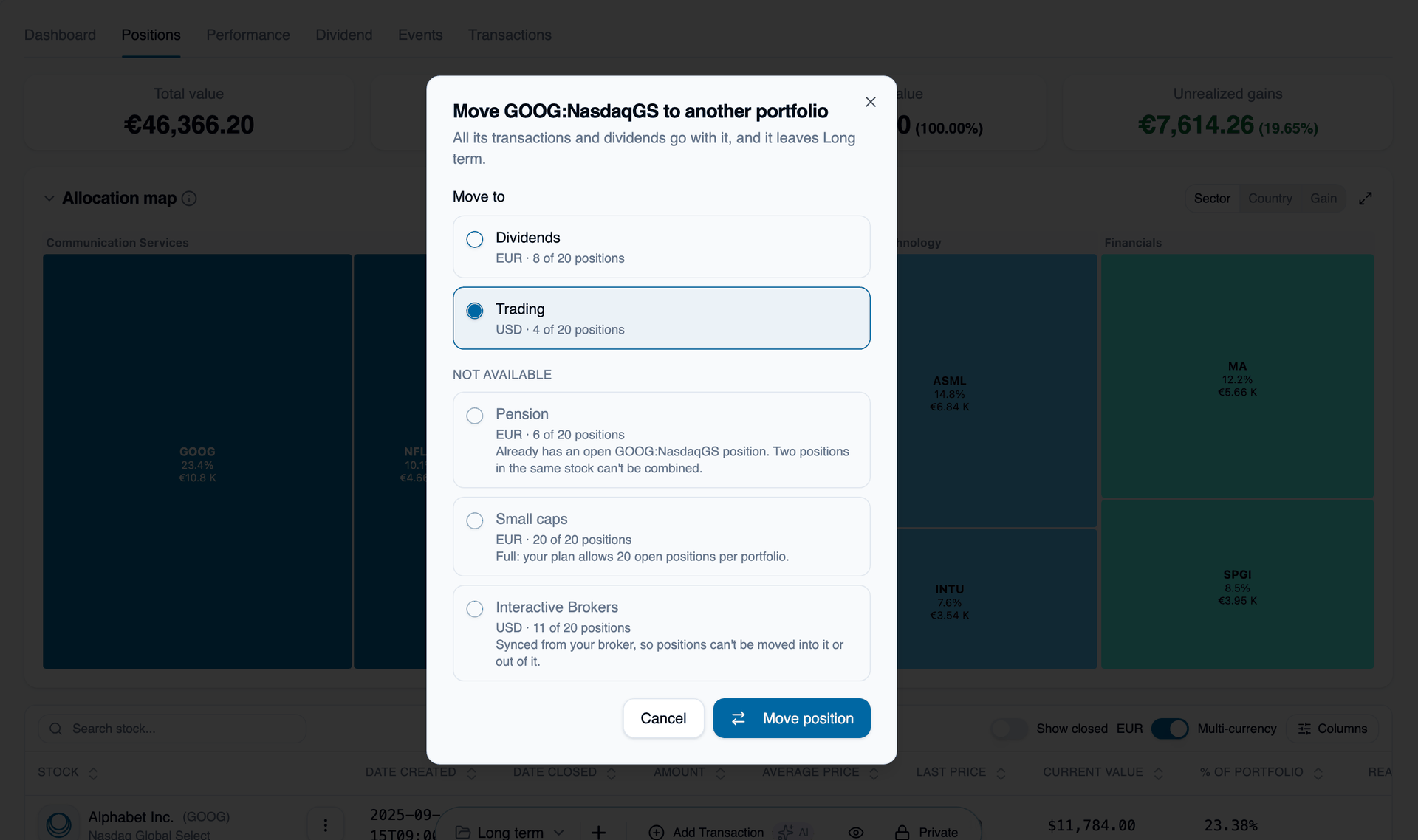
Opened a second portfolio and want one of your holdings in it? You no longer have to delete the position and type its trades in again.
In a portfolio's positions table, open the menu at the end of the row and choose Move to another portfolio. Pick where it goes, and the whole position moves: every buy and sell, its dividends and its history. It works for open and closed positions.
Some portfolios can't take it, and the list says why next to each one: it already has an open position in the same stock, it's at your plan's limit of open positions, or it's synced from your broker. A portfolio synced from your broker can't send positions away either, because the next sync would put their trades back.
The option shows once you have two or more portfolios.