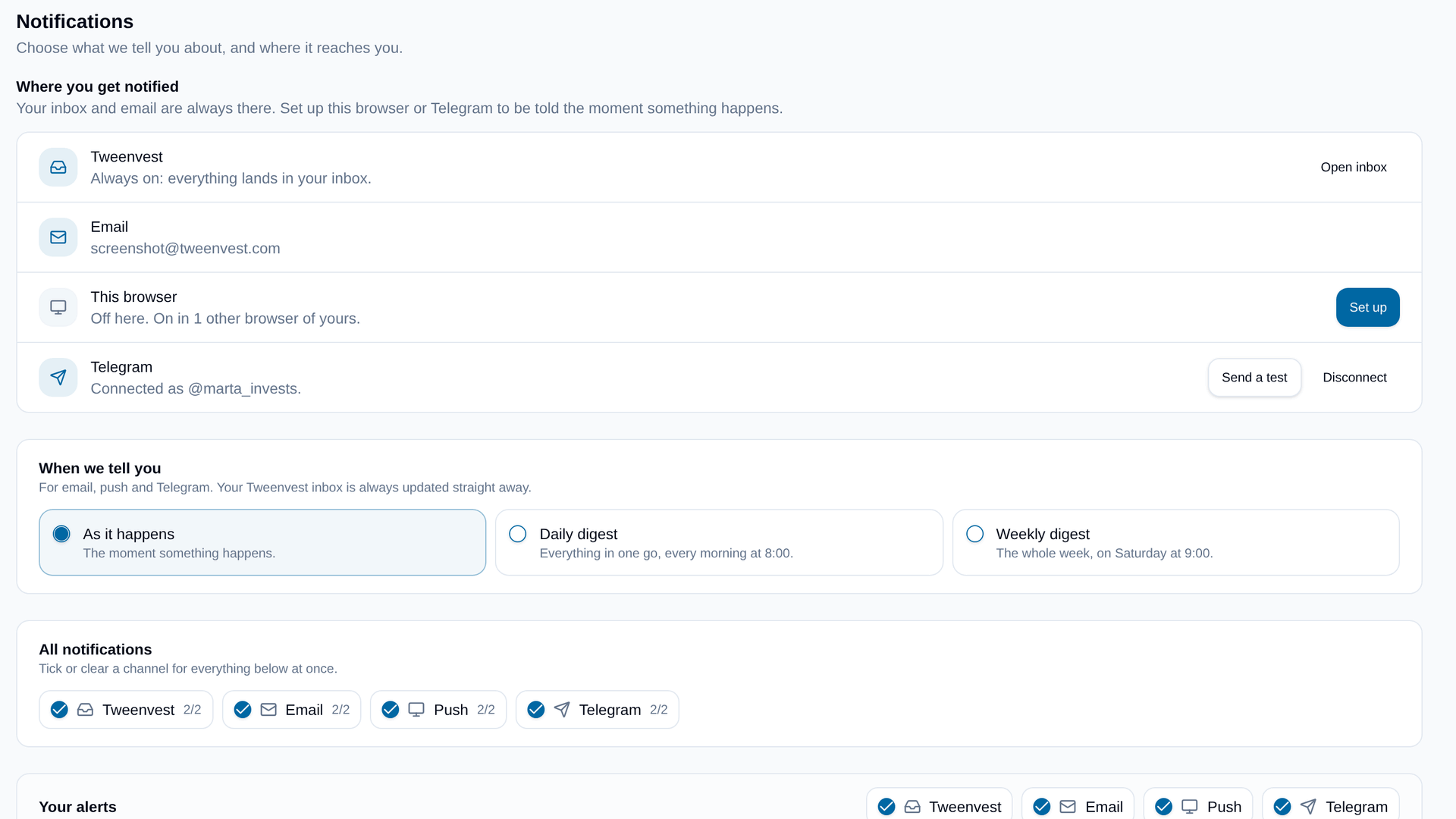
If Telegram is where you already read your messages, your alerts can be there too.
Go to Alerts → Settings and press Connect Telegram. It opens a chat with our bot with everything filled in: press Start and you're linked. There is no code to copy and no bot to search for. Back in Tweenvest, the row says who it's connected as, and Send a test sends a message to check it arrives.
From then on, every alert you switch on for Telegram arrives as a message: what happened in bold, the detail under it (including the note you left on the alert, if you wrote one), and a link straight to it in Tweenvest. Price alerts and screener alerts can each go to Telegram or not, next to email and browser push, or tick Telegram once for everything.
It follows the same timing as your other channels. As it happens, or one message with everything in a daily digest at 8:00 or a weekly digest on Saturday at 9:00 (Madrid time).
To stop, press Disconnect in Tweenvest or send /stop to the bot.
Telegram is available on every plan, for the alerts your plan includes.